OpenClaw Remote Access Guide: SSH Tunnels, Tailscale, and Safe Gateway Connections
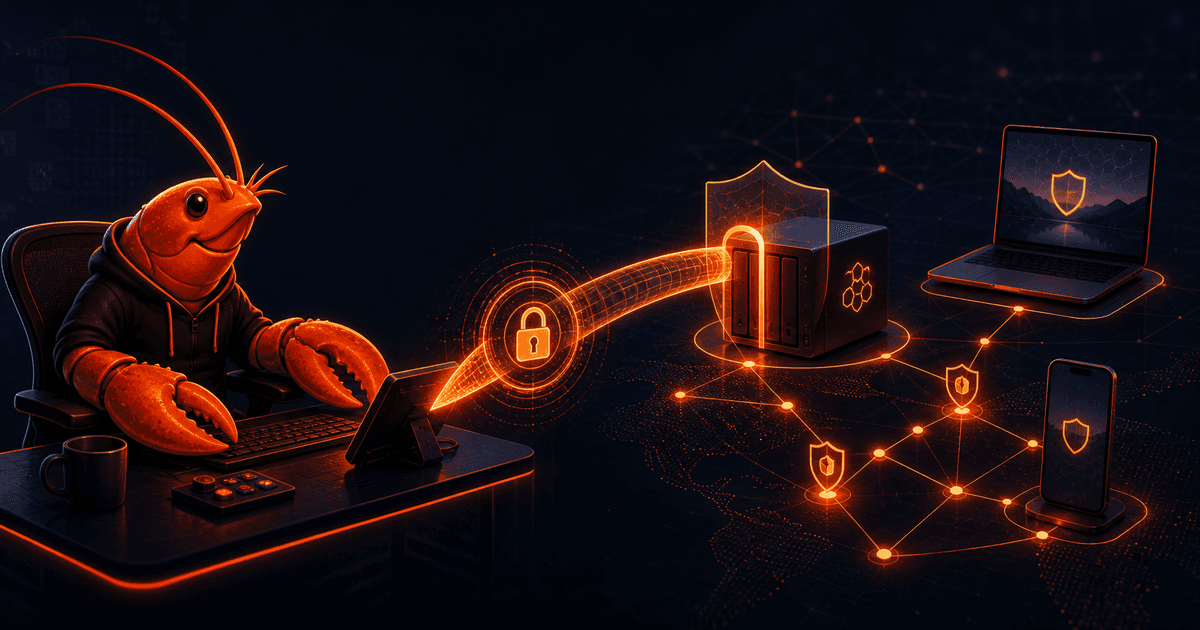
An always-on OpenClaw Gateway is useful only if your clients can reach it reliably. The safest default is not to publish the Gateway port to the whole internet. Keep the service on its host, keep its bind address private when practical, and put a deliberate transport—usually an SSH tunnel or a private Tailscale path—between the Gateway and your laptop or phone.
Quick answer: OpenClaw remote access works by connecting clients to the one Gateway that owns sessions, authentication profiles, channels, and state. Use an SSH local forward when you need a universal, temporary path. Use a Tailscale network or Tailscale Serve when you need convenient access across a private tailnet. In both cases, authenticate the Gateway and treat remote reachability as a transport decision, not as multi-user isolation.
This guide walks through the topology, transport choices, setup commands, health checks, and failure modes. For the security gate before exposing a new surface, see our OpenClaw Security Audit Guide. For runtime boundaries, pair remote access with the OpenClaw Sandboxing Guide.
1. Understand the OpenClaw remote-access model
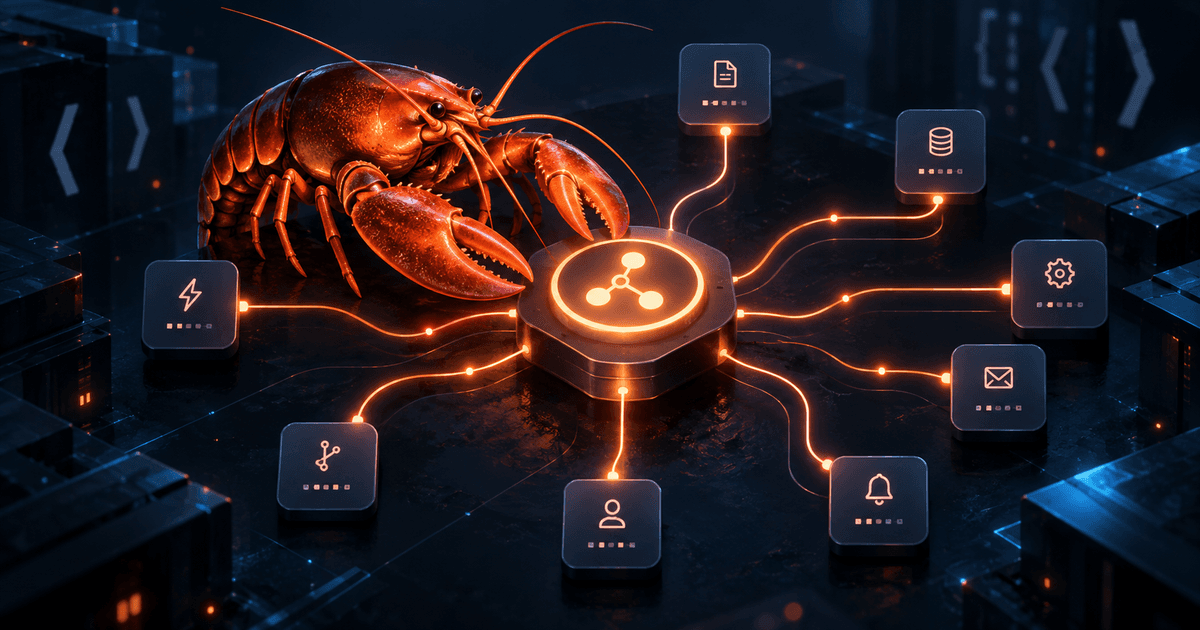
OpenClaw has one Gateway process acting as the control plane. It owns channel connections, sessions, auth profiles, and state. A CLI, Control UI, mobile client, or node is a client of that Gateway; it is not a second Gateway that happens to share data.
That distinction matters when planning a remote setup:
- Your Telegram message reaches the Gateway first.
- The Gateway runs the agent and decides whether to call a tool or node.
- A node receives an invocation over the Gateway WebSocket and returns the result.
- The Gateway sends the response back through the configured channel.
The Gateway WebSocket binds to loopback on port 18789 by default. Confirm your actual value rather than assuming the default: a custom gateway.port, --port, or OPENCLAW_GATEWAY_PORT changes the endpoint. The Control UI is normally local as well.
The recommended mental model is “one private control plane, several authenticated clients.” If mutually untrusted users need separate authority, do not put them behind one shared tool-enabled Gateway and call that isolation. OpenClaw's security model is one trusted operator boundary per Gateway; use separate Gateways and, ideally, separate OS users or hosts for stronger separation.
2. Choose the transport that matches the job
SSH tunnel: the universal fallback
SSH is the simplest choice when the Gateway host is reachable over SSH but you do not want to change its network exposure. The tunnel maps a local port on your laptop to the Gateway's loopback port on the remote host:
ssh -N -L 18789:127.0.0.1:18789 user@gateway-host
Leave that terminal running. From a second terminal, commands aimed at 127.0.0.1:18789 travel through SSH and arrive at the remote Gateway's loopback interface. This is a strong fit for administration, travel, and one-off access because closing SSH closes the path.
Use your configured port if it differs from 18789. Prefer normal SSH key and host-verification practices, and do not paste Gateway tokens into shell history or shared issue comments.
Tailscale: private access for an always-on setup
Tailscale is convenient when the Gateway host and your client are in the same tailnet. You can keep the Gateway on loopback and use a private relay or Serve configuration, or deliberately use a trusted LAN/tailnet bind according to the current OpenClaw remote-access guidance.
A private tailnet is not automatically a permission boundary. Devices and users in that tailnet still need a clear trust model, and the Gateway still needs authentication. Review who can reach the host, which accounts can use the Gateway, and what tools those accounts can invoke.
Tailscale Serve is useful when you want a stable HTTPS URL for the Control UI or a wss:// client endpoint without opening the service broadly. Keep the exposure private unless you have a specific, reviewed reason to use a public path. If you use a public relay or reverse proxy, treat it as a new inbound surface and rerun the security checks.
Direct LAN or tailnet bind: convenient, but deliberate
A direct WebSocket path can be appropriate on a trusted network, but it changes the Gateway's reachable interface. Do not confuse “it is inside my home network” with “no one else can reach it.” Verify authentication, firewall rules, tailnet ACLs, and the trust level of every device on that network before changing the bind address.
For many single-user deployments, SSH or Tailscale Serve gives you the convenience you want while preserving gateway.bind: "loopback".
3. Set up and verify an SSH connection
Start with a connection test to the host, then create the forward:
ssh user@gateway-host
ssh -N -L 18789:127.0.0.1:18789 user@gateway-host
On the Gateway host, check that the service is running:
openclaw gateway status
openclaw gateway health
With the tunnel active on your client, run the local health check:
openclaw health
openclaw status --deep
If the Gateway requires authentication, the forwarded socket does not remove that requirement. A client using an explicit --url does not silently discover credentials from another config path; pass the appropriate --token or --password explicitly when the command requires it. Keep credentials in the supported local credential store or environment mechanism, not in a committed config file.
For a long-lived laptop workflow, use a supervised SSH connection or a well-tested SSH configuration rather than leaving an unlabelled terminal window as your only operational record. Still preserve the same invariant: the tunnel should be easy to inspect and easy to close.
4. Configure a remote CLI target carefully
OpenClaw supports a remote mode in which CLI commands use a configured remote URL and token. A conceptual configuration looks like this:
{
  gateway: {
    mode: "remote",
    remote: {
      url: "ws://127.0.0.1:18789",
      token: "your-token"
    }
  }
}
When used with an SSH forward, 127.0.0.1 is the client-side end of the tunnel. When used with a private Tailscale or HTTPS path, use the exact URL and authentication scheme required by that deployment. Never copy a placeholder token into a real shared file, and do not put secrets in a public article, shell transcript, or Git remote.
Before changing configuration directly, use openclaw onboard, the Control UI, or the documented CLI/config schema tools. OpenClaw validates configuration strictly: an unknown key or invalid value can stop the Gateway from starting or cause a reload to be rejected. After a change, run the security audit and a health check before reconnecting every client.
5. Apply a remote-access security pre-flight
Remote access should pass four independent checks:
- Transport: Is the path SSH, private tailnet, Serve, or a direct bind? Can you explain every network hop?
- Authentication: Does the Gateway require the expected token or password, and are credentials stored safely?
- Audience: Which users and devices can reach the Gateway? Does that match one trusted operator boundary?
- Authority: Which tools, browsers, files, nodes, and plugins can the reachable agent access?
Run the basic audit after changing the Gateway, channels, remote access, or tool policy:
openclaw security audit
openclaw security audit --deep
openclaw security audit --json
Use --deep when a live Gateway probe adds useful evidence. Keep JSON evidence protected if it contains host paths or network details. The audit is diagnostic; it does not replace a threat model, sandbox verification, or a harmless end-to-end test.
Then inspect the effective runtime where it matters:
openclaw sandbox explain
openclaw gateway status --deep
A configured sandbox backend does not by itself prove that the active session is sandboxed. Likewise, a private network does not make a broad tool policy safe for an untrusted audience.
6. Troubleshoot the connection in a fixed order
Avoid changing transport, authentication, and Gateway configuration simultaneously. Use this ladder:
openclaw status
openclaw gateway status
openclaw logs --follow
openclaw doctor
openclaw channels status --probe
If the local client cannot connect, verify the SSH process is still running, the local port is free, the remote host resolves to the expected machine, and the remote Gateway is listening on its configured port. If authentication fails, verify the target URL and credential source; do not “fix” it by removing auth.
If the Gateway is running but channels are broken, inspect channel status separately. If the machine has recently been upgraded or rolled back, compare the resolved binary and version:
which openclaw
openclaw --version
openclaw gateway status --deep
openclaw config get meta.lastTouchedVersion
A split-brain install can leave an older service and newer client—or the reverse—talking different protocol versions. Fix PATH or reinstall the intended Gateway service before changing remote networking. For a broader inbound event design, see the OpenClaw Webhooks Guide.
7. Practical operating checklist
Before calling a remote setup complete, confirm:
- the Gateway host and owner are documented;
- the chosen transport and every endpoint are known;
- the Gateway is authenticated;
- the default or configured port is verified;
- the client can run
openclaw healthandopenclaw status --deep; - the security audit has no unexplained high-risk findings;
- the reachable users and devices fit one trusted operator boundary;
- sandbox mode and tool authority are intentional;
- tokens are not in shell history, Git, screenshots, or shared logs;
- a shutdown or rollback path is tested.
Remote access should reduce friction without hiding the control plane. If you cannot explain how a request reaches the Gateway, who authenticates it, and where its tools run, the setup is not finished.
FAQ
What is the safest way to access OpenClaw remotely?
For a single operator, an SSH tunnel is the smallest change because the Gateway can remain on loopback. Tailscale is convenient for an always-on private network, especially when combined with a private Serve path. Both still require Gateway authentication and a review of tool authority.
Can I expose port 18789 directly to the internet?
Do not treat direct exposure as the default. The Gateway binds to loopback by default for a reason. If you have a specific reviewed architecture requiring another bind, use strong authentication, network controls, and the documented exposure runbook, then verify the live path with a security audit.
Does Tailscale replace OpenClaw authentication?
No. Tailscale controls network reachability; OpenClaw authentication controls Gateway access. Use both according to your trust model.
Does a remote node run the Gateway?
No. The Gateway owns sessions, channels, and state. A node connects to it and provides peripheral capabilities such as device actions.
Why does a remote CLI say connection refused?
Check that the Gateway is running, the local tunnel is active, the local and remote ports match, and the remote host forwards to 127.0.0.1 on the Gateway machine. Then run the documented status and health commands before editing configuration.
Sources
- OpenClaw Remote access — Gateway topology, SSH forwarding, Tailscale, remote URLs, and client behavior.
- OpenClaw Configuration — config location, strict validation, and supported editing paths.
- OpenClaw Security — trust model, audit commands, and exposure checks.
- OpenClaw Troubleshooting — health, logs, doctor, channel probes, and split-install diagnostics.
- LobsterDome: OpenClaw Security Audit Guide — related security pre-flight coverage.
- LobsterDome: OpenClaw Sandboxing Guide — related runtime isolation coverage.
- LobsterDome: OpenClaw Webhooks Guide — related inbound event routing coverage.
Sources accessed August 14, 2026.

Comments
Loading comments…