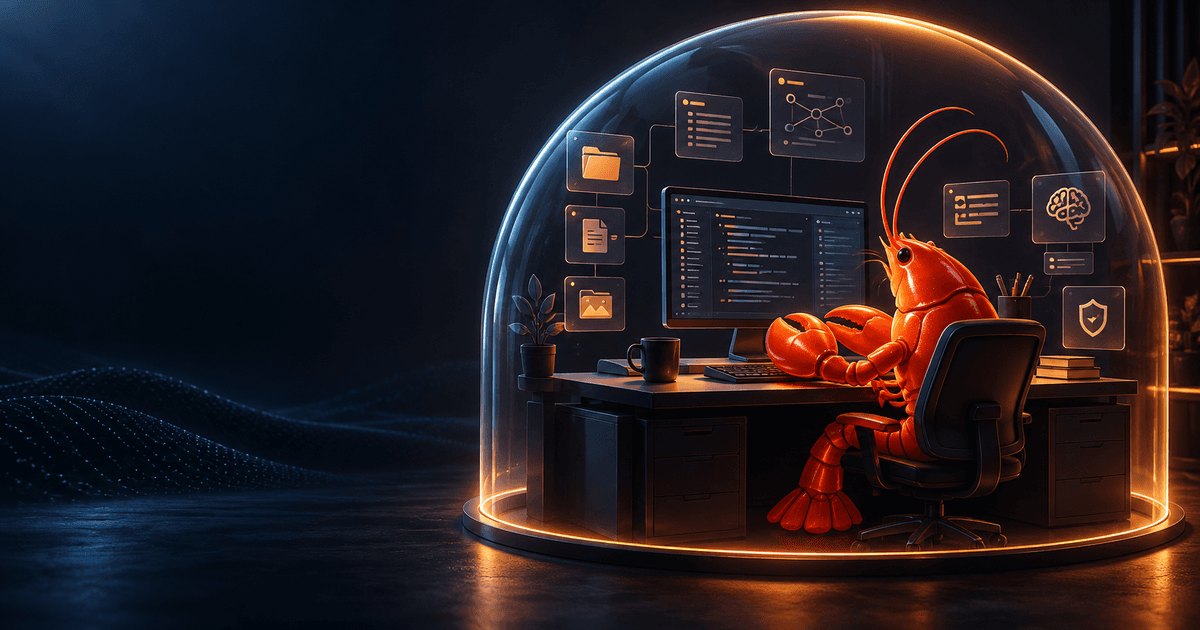
OpenClaw Agent Workspace Guide: Organize Context, Memory, and Safe File Access
OpenClaw’s workspace is more than a folder where an agent happens to run commands. It is the agent’s working home: the place where workspace context, instructions, memory, skills, and project files live. Understanding that role makes OpenClaw easier to configure and safer to operate.
The most important distinction is between the workspace and OpenClaw’s state directory. The default workspace is ~/.openclaw/workspace. The broader ~/.openclaw/ directory also contains configuration, credentials, and sessions. Back up or share those areas differently. A workspace may belong in a private Git repository; credentials should not.
Quick answer: The OpenClaw agent workspace is the agent’s default working directory and context home, normally
~/.openclaw/workspace. It is separate from~/.openclaw/, which stores configuration, credentials, and session state. A workspace is not automatically a sandbox: enable sandboxing when the agent must be isolated from the host filesystem.
Workspace versus state: the mental model
Use this three-part model when deciding where a file belongs:
- Workspace: instructions, persona, user context, memories, skills, and working files the agent should use.
- State directory: OpenClaw configuration, authentication material, session transcripts, and other runtime state.
- Sandbox: an isolated execution workspace used when sandboxing rules prevent tools from operating directly in the host workspace.
The workspace is the default current directory for file tools. Relative paths resolve there, which is convenient for project work. That convenience is not the same as a hard security boundary: an absolute path can still reach another location on the host unless sandboxing is enabled. Treat a workspace as organized context first, and isolation only when your configuration explicitly provides it.
This separation also helps with backups. A private repository can version AGENTS.md, SOUL.md, skills, and selected memory files. Do not commit API keys, OAuth tokens, session databases, or private transcripts merely because they sit nearby under ~/.openclaw/.
Find and configure the active workspace
The default workspace is:
~/.openclaw/workspace
OpenClaw can choose a different location through several layers. OPENCLAW_WORKSPACE_DIR overrides the default workspace path. OPENCLAW_PROFILE selects a named profile with isolated defaults. Configuration can set agents.defaults.workspace, and a specific entry under agents.entries.*.workspace can give one agent its own directory.
A practical baseline configuration looks like this:
{
  agents: {
    defaults: {
      workspace: "~/.openclaw/workspace"
    }
  }
}
Use one deliberate source of truth. Multiple old directories, such as a leftover ~/openclaw, can create state drift: you edit one workspace while the active Gateway reads another. If you intentionally maintain multiple workspaces, document which profile, agent, or Gateway uses each one.
The setup commands can create the workspace and seed missing bootstrap files:
openclaw setup --baseline
The onboarding and configuration flows can also create the workspace. If you manage every workspace file yourself and do not want bootstrap creation, the official configuration supports agents.defaults.skipBootstrap: true. Make that choice deliberately; disabling bootstrap removes a convenience, not a security control.
Know the files the agent reads
A workspace is useful when each file has a narrow job. Keep durable rules separate from temporary notes so the agent can reason about them correctly.
AGENTS.md: operating instructions
Put project and operating rules in AGENTS.md: priorities, workflow constraints, safe tool usage, and how the agent should handle memory. Keep instructions concrete and review them like code. If a rule is only relevant to one project, place the file at the appropriate project level rather than turning a global instruction into a surprise for every task.
SOUL.md: persona and boundaries
SOUL.md defines persona, tone, identity, and boundaries. It should describe how the agent communicates and what principles guide it, not become a dump of every project procedure. Separating style from operating instructions makes both easier to audit.
USER.md: stable user context
USER.md is optional and is intended for stable preferences, communication style, relationships, and active project context. Do not use it as an unbounded transcript. Remove stale assumptions and distinguish current directives from superseded ones.
Memory and skills
Memory files preserve information that should survive individual conversations. Skills package reusable workflows and instructions. Keep both focused: a memory entry should be durable and useful, while a skill should explain when and how a repeatable capability is used. The OpenClaw memory setup guide covers practical recall patterns, and the custom skills guide covers extension concepts.
A good workspace layout might look like:
~/.openclaw/workspace/
├── AGENTS.md
├── SOUL.md
├── USER.md
├── MEMORY.md
├── memory/
├── skills/
└── projects/
The exact set of files depends on your OpenClaw version and setup. The official workspace reference is the authority for files your release loads. Avoid creating duplicate “memory” directories and then guessing which one is active.
Back up the workspace without leaking secrets
The official setup guidance recommends keeping workspace customization outside the OpenClaw source repository and backing it up in a private Git repository. That gives you version history without making upgrades overwrite your instructions.
Before the first commit, inspect the tree and create an explicit ignore policy. Exclude credentials, tokens, session databases, raw logs, and private attachments. Review diffs before pushing. A private repository is safer than a public one, but it is not a substitute for secret scanning or access control.
When restoring a workspace, restore the files first, then point the active profile or agent at that path. Run a harmless health check and verify the selected workspace before allowing tools to modify files. If the agent suddenly behaves like a new installation, check the active path and profile before rewriting prompts or memory.
Multiple profiles and agents need clear ownership
Profiles and per-agent workspaces are useful when you need separate projects, environments, or operating policies. They also multiply the number of places where state can hide.
For each workspace, record:
- the profile or agent that owns it;
- the Gateway and OS user that run it;
- whether it contains personal, team, or automated work;
- which skills and tools are allowed;
- the backup and retention policy.
A non-default agent can resolve to its own workspace when configured. Do not assume that an agent entry without an explicit workspace shares exactly the same context as the main agent. Confirm the effective configuration for your installed release, especially after migrations or profile changes.
The OpenClaw configuration guide explains why targeted edits and validation are safer than replacing the whole configuration. After changing a workspace path, validate configuration, check Gateway health, and run a low-risk request that reads a known harmless file.
A workspace is not a sandbox
This is the security distinction most likely to cause trouble. The workspace is a default working directory, not automatically a filesystem jail. If the agent has host-level tools and no sandbox, absolute paths may still reach outside the workspace.
When sandboxing is enabled and workspaceAccess is not rw, tools operate in a sandbox workspace under ~/.openclaw/sandboxes. That gives execution a different boundary from your host workspace. Read the OpenClaw sandboxing guide before changing access modes, and do not grant broad write access just to make a workflow convenient.
Also remember that tool permissions and trust boundaries matter. The official security guidance treats a Gateway as one trust boundary. If mutually untrusted users need access, separate Gateways—and ideally separate OS users or hosts—are safer than trying to isolate them with folders alone. Review the OpenClaw security setup guide after changing exposure or tool access.
Keep environment files in the right place
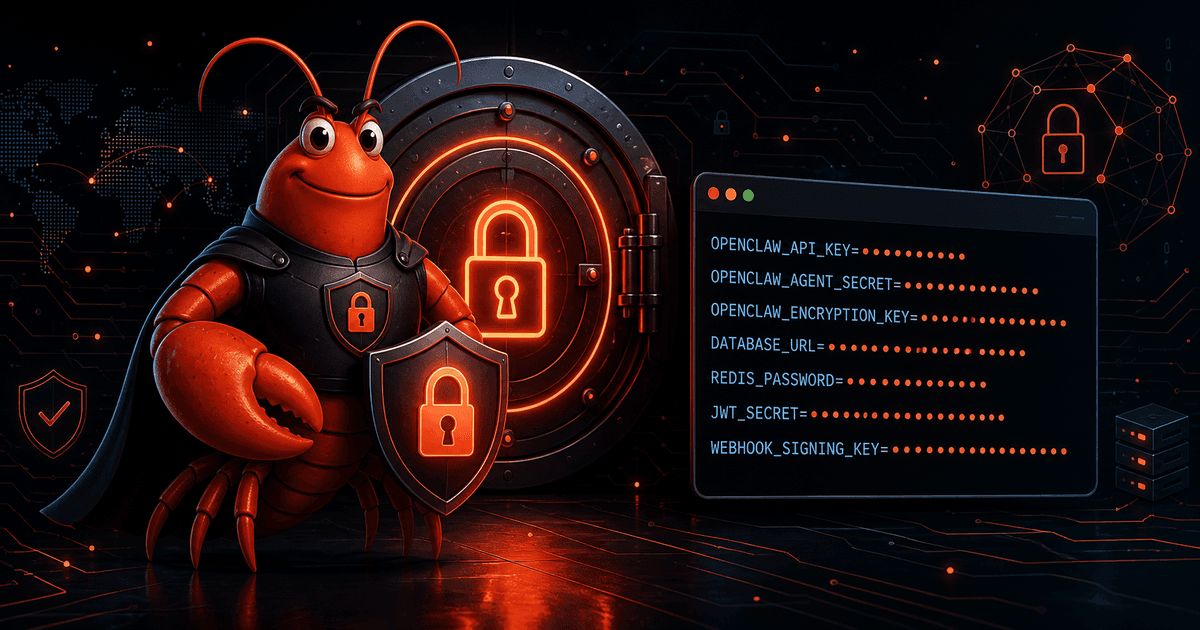
OpenClaw loads environment values using a defined precedence order. Existing process values take precedence, followed by the current working directory .env, global ~/.openclaw/.env, configuration env, and optional shell-environment import. Workspace .env files are lower trust, and OpenClaw ignores provider credentials and protected runtime controls there before applying precedence.
Do not scatter secrets through project files to make a command work. Prefer the supported global environment or scoped secret configuration for the provider and deployment model you use. After moving a credential, restart or reload the relevant service according to your installation, then check status without printing the secret.
Workspace maintenance checklist
Use this checklist after setup, migration, or a profile change:
- Confirm the effective workspace path and active profile.
- Check that
AGENTS.md,SOUL.md, and optionalUSER.mdcontain current, intentional context. - Remove stale duplicate workspaces or clearly label intentionally separate ones.
- Review Git status and ignore rules before backing up.
- Keep credentials, sessions, and private logs out of the workspace repository.
- Check whether sandboxing is enabled and what
workspaceAccesspermits. - Validate configuration and run a read-only health check.
- Test one harmless file read before enabling writes or automation.
FAQ
Where is the OpenClaw agent workspace?
By default it is ~/.openclaw/workspace. OPENCLAW_WORKSPACE_DIR, profiles, global agent settings, and per-agent settings can change the effective path.
Is the workspace the same as ~/.openclaw/?
No. The workspace is usually inside that directory, but ~/.openclaw/ is the broader state area containing configuration, credentials, sessions, and other runtime data.
Does putting a file in the workspace make it private?
No. Privacy depends on filesystem permissions, Gateway access, tools, backups, and network exposure. Treat the workspace as sensitive context and configure sandboxing when isolation is required.
Should I put API keys in workspace .env?
Do not assume workspace .env is the right secret store. The official environment rules treat it as lower trust and ignore provider credentials and protected runtime controls there. Use the supported global or scoped secret configuration for your deployment.
Can different agents use different workspaces?
Yes. Configure a workspace for an agent entry when separate context or project files are needed. Document ownership and permissions so a path change does not silently route an agent to the wrong data.
Comments
Loading comments…