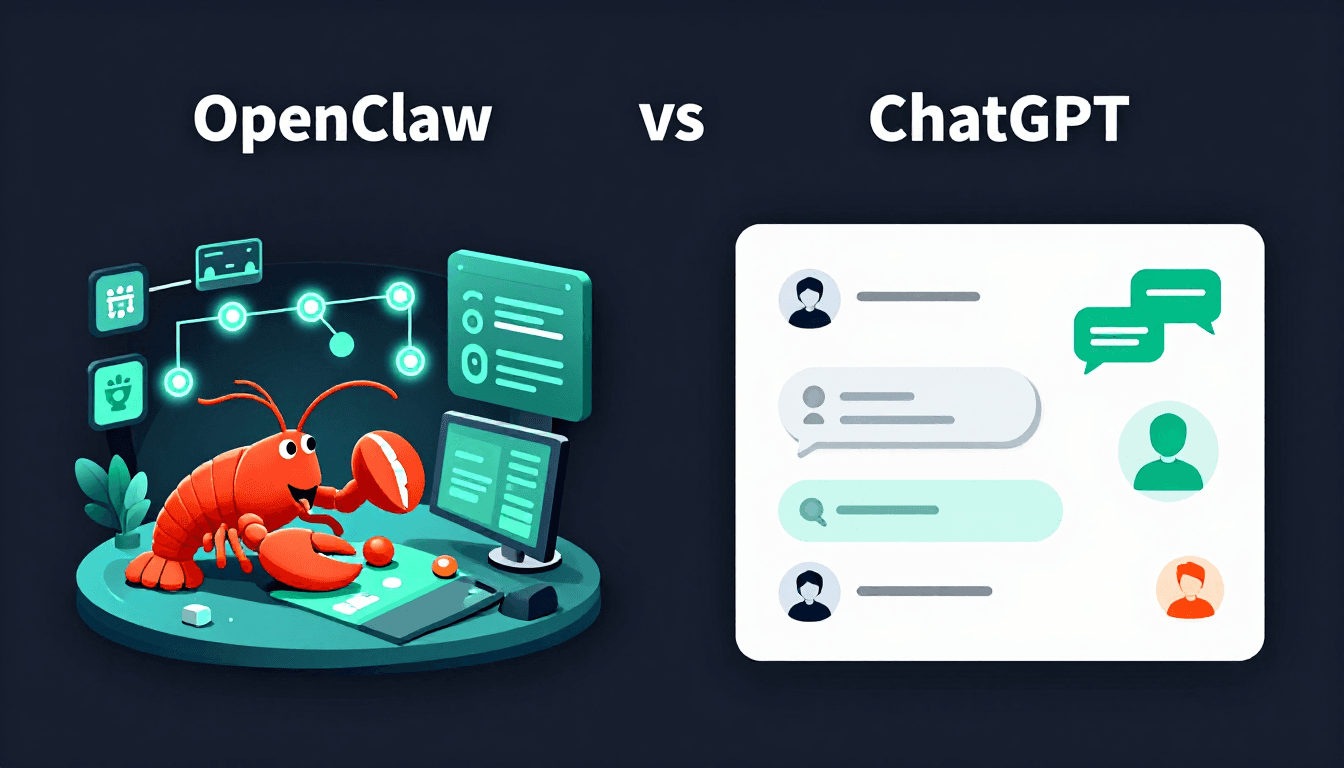
OpenClaw vs ChatGPT: Which AI Assistant is Right for You?
Quick Decision Guide: Choose OpenClaw if you want 24/7 autonomous operation, local data control, and deep system access. Choose ChatGPT if you prefer zero setup, top-tier reasoning, and polished cloud automation.
At a Glance: OpenClaw vs ChatGPT Comparison
| Feature | OpenClaw | ChatGPT Agent |
|---|---|---|
| Architecture | Local-first, open-source | Cloud-based, proprietary |
| Autonomy | Proactive, runs 24/7 unattended | Reactive, session-based |
| Data Privacy | Runs locally, data stays on device | Cloud-processed, OpenAI servers |
| Model Flexibility | OpenAI, Anthropic, Google, local LLMs | OpenAI models only |
| System Access | Full filesystem, terminal, APIs | Sandboxed web browser (Operator) |
| Setup Difficulty | Moderate (30–60 min) | Zero (web-based) |
| Pricing Model | Pay-per-token via API providers | Subscription ($20–$200/mo) |
| Best For | Developers, power users, automation | General users, businesses, quick tasks |
What is OpenClaw?
OpenClaw is an open-source AI assistant that runs on your local machine. It connects to LLM APIs (OpenAI, Anthropic, Google, Fireworks, local models) and autonomously executes tasks using tools like terminal commands, file operations, web searches, and messaging integrations.
Key characteristics:
- Local execution: Your data never leaves your machine unless you choose cloud APIs
- Persistent memory: Context survives across sessions via local files
- Model-agnostic: Switch between GPT-4, Claude, Gemini, or local models
- Skill system: Extend capabilities with community or custom skills
- Proactive automation: Schedule tasks, respond to heartbeats, run cron jobs
OpenClaw excels at long-running automation: monitoring systems, processing files overnight, managing smart homes, and orchestrating multi-step workflows.
What is ChatGPT Agent?
ChatGPT Agent (also called Operator) is OpenAI's autonomous task execution feature built into ChatGPT. It browses the web, clicks buttons, fills forms, and completes multi-step tasks on your behalf—all within OpenAI's secure cloud environment.
Key characteristics:
- Zero setup: Works instantly in your browser
- Sandboxed execution: Actions run in isolated cloud VMs for security
- Top-tier reasoning: Powered by OpenAI's latest models
- Web automation: Navigate websites, book appointments, order products
- Managed security: OpenAI handles authentication and data protection
ChatGPT Agent is ideal for users who want powerful AI without technical overhead: booking travel, researching products, filling forms, and completing web-based tasks.
Architecture: Local vs Cloud
OpenClaw's Local-First Design
OpenClaw runs as a Node.js process on your machine. It:
- Receives messages via Discord, WhatsApp, Telegram, web UI, or CLI
- Calls LLM APIs to generate responses
- Executes tool calls locally (read files, run terminal, search web)
- Persists memory and state to local JSON files
This architecture gives you:
- Full control over what the assistant can access
- No per-task limits beyond your API rate limits
- Privacy by default—data never leaves your device
ChatGPT's Cloud-Native Approach
ChatGPT Agent runs entirely in OpenAI's cloud:
- You describe a task in the chat interface
- OpenAI's models plan and execute steps
- Actions run in isolated browser sessions
- Results stream back to your chat
Benefits:
- No infrastructure to manage
- Automatic scaling for complex tasks
- Enterprise security and compliance certifications
Trade-offs:
- Data processing happens on OpenAI servers
- Usage limits based on subscription tier
- No filesystem access—only web interactions
Autonomy: Proactive vs Reactive
OpenClaw's Proactive Automation
OpenClaw can initiate tasks without your prompt:
- Heartbeat polls: Check email, calendar, or systems every 30 minutes
- Cron jobs: Run scheduled workflows at specific times
- Event triggers: Respond to webhooks, file changes, or messages
- Long-running tasks: Process 100 files overnight while you sleep
This makes OpenClaw a true "background worker" that doesn't need constant attention.
ChatGPT's Reactive Model
ChatGPT Agent responds when you ask it to:
- You initiate each task manually
- Sessions end when you close the chat
- No persistent background monitoring
- Each conversation is isolated
This reactive model is simpler but requires you to remember to delegate.
Privacy and Data Control
OpenClaw: Local Data Sovereignty
- Files stay local: OpenClaw reads/writes your filesystem directly
- API data: If you use OpenAI/Anthropic APIs, prompts go to their clouds
- Local LLM option: Use Ollama or LM Studio for 100% local operation
- Memory persistence: Conversation history stored in your workspace
Choose OpenClaw if you handle sensitive data (codebases, financial records, personal files) and want granular control.
ChatGPT: Cloud Processing with Enterprise Standards
- All data processed on OpenAI servers per their privacy policy
- Enterprise compliance: SOC 2, GDPR data processing agreements
- No local storage: Everything lives in the cloud
- Chat history controls: You can delete conversations
Choose ChatGPT if you trust OpenAI's security practices and prefer managed compliance.
Model Flexibility
OpenClaw: Pick Your Brain
OpenClaw supports multiple LLM providers:
| Provider | Models | Use Case |
|---|---|---|
| OpenAI | GPT-4, GPT-4 Turbo, GPT-4o | Premium reasoning |
| Anthropic | Claude 3.5 Sonnet/Opus | Nuanced writing |
| Gemini Pro | Fast multimodal | |
| Fireworks | DeepSeek, Llama, GLM | Cost-efficient |
| Local | Ollama, LM Studio | Zero cloud cost |
Switch models per task: use GPT-4 for complex reasoning, DeepSeek for routine work.
ChatGPT: OpenAI Only
ChatGPT uses OpenAI's latest models exclusively. While powerful, you can't opt for:
- Different reasoning styles (Claude's nuance)
- Cost-saving alternatives (open-source models)
- Fully local execution (privacy-critical tasks)
Integrations and Tool Access
OpenClaw's Deep System Integration
OpenClaw tools include:
- Terminal: Run any CLI command
- Filesystem: Read/write/edit files anywhere
- Web search: Brave, Google, custom engines
- Messaging: Discord, WhatsApp, Telegram, Slack
- HTTP APIs: Make authenticated requests to any service
- Skills: Community extensions for GitHub, email, home automation
This makes OpenClaw a universal automation layer across your digital life.
ChatGPT's Web Automation
ChatGPT Agent excels at web tasks:
- Browser navigation: Click, scroll, fill forms
- Booking: Restaurants, travel, appointments
- Research: Aggregate information from multiple sites
- Shopping: Compare products, add to cart
But it cannot:
- Access your local files
- Run terminal commands
- Integrate with local services (Home Assistant, databases)
Security Considerations
OpenClaw Security
Risks:
- Default config exposes network interfaces
- No authentication required out of the box
- Full system access = potential for damage
Mitigations:
- Follow OpenClaw Security Setup guide
- Enable authentication, firewall rules, and sandboxed execution
- Review skills before installing
OpenClaw is a power tool—secure it like one.
ChatGPT Security
Built-in protections:
- Sandboxed execution environment
- No direct filesystem access
- OpenAI manages authentication
Considerations:
- Data processed on third-party servers
- Subscription-tier rate limits
- Enterprise controls available
ChatGPT trades control for convenience and managed security.
Cost Comparison
OpenClaw: Pay for What You Use
Software: Free (MIT license)
Operating costs:
| Component | Monthly Estimate |
|---|---|
| LLM API (light use) | $5–$20 |
| LLM API (heavy use) | $50–$200 |
| Hosting (VPS) | $5–$20 if not local |
| Electricity | Negligible |
Total: $5–$220/month depending on usage
ChatGPT: Subscription Simplicity
| Tier | Price | Limits |
|---|---|---|
| Plus | $20/mo | Limited agent tasks |
| Pro | $200/mo | Priority access, higher limits |
Total: $20–$200/month flat
OpenClaw can be cheaper for light users but more expensive for heavy automation. ChatGPT offers predictable costs.
Use Case Breakdown
Choose OpenClaw For:
- Developer workflows: Code automation, CI/CD triggers, repo management
- Smart home control: Home Assistant, local device orchestration
- Data processing: Transform files overnight, scrape websites
- Privacy-sensitive tasks: Financial analysis, personal documents
- Cost optimization: Use cheaper models for routine tasks
- 24/7 monitoring: Security cameras, system health, inbox triage
Choose ChatGPT For:
- Web-based tasks: Booking, shopping, research across sites
- Business users: No technical setup required
- Premium reasoning: Complex analysis, creative writing
- Compliance needs: Enterprise security, managed data handling
- Quick tasks: One-off automation without infrastructure
- Travel planning: Book flights, hotels, restaurants in one session
Decision Framework: 6 Questions
- Do you need 24/7 autonomous operation? → OpenClaw
- Is local data privacy critical? → OpenClaw
- Do you want zero setup? → ChatGPT
- Do you need local file/terminal access? → OpenClaw
- Is predictable monthly cost important? → ChatGPT subscription
- Are you a developer comfortable with config files? → OpenClaw
If you answered "yes" to 3+ OpenClaw questions, it's likely the better fit.
The Future: 2026–2027 Outlook
OpenClaw trajectory: Expanding skill ecosystem, better local model support, improved security defaults, enterprise features.
ChatGPT trajectory: Deeper integration with OpenAI's model improvements, expanded web automation, more enterprise controls.
Both platforms will converge on "AI that does things for you"—the question is whether you want that AI running on your machine or in the cloud.
Frequently Asked Questions
Can I use my ChatGPT Plus subscription with OpenClaw?
No. ChatGPT Plus is a subscription to the ChatGPT web interface. OpenClaw requires separate API keys (OpenAI, Anthropic, etc.) and bills per token usage.
Is OpenClaw free to use?
The software is free (MIT license), but you pay for LLM API calls and infrastructure. Monthly costs typically range from $5 to $150+ depending on usage.
Which is more private, OpenClaw or ChatGPT Agent?
OpenClaw is more private because it runs locally – your data never leaves your machine (unless you use cloud LLM APIs). ChatGPT Agent processes everything on OpenAI's servers.
Does ChatGPT Agent remember conversations like OpenClaw?
ChatGPT Agent has session-based memory within a single conversation, but OpenClaw maintains persistent memory across sessions via local files.
How hard is it to set up OpenClaw?
Setup requires moderate technical skill: installing Node.js, configuring API keys, editing config files, and troubleshooting. Expect 30–60 minutes for a basic installation.
Can OpenClaw use models other than OpenAI's GPT?
Yes. OpenClaw supports OpenAI, Anthropic, Google, Fireworks, local models, and any provider with an OpenAI-compatible API.
Can I use both together?
Absolutely. Many teams use ChatGPT for brainstorming and complex reasoning, and OpenClaw for persistent automation and privacy-sensitive tasks.
Internal Linking Suggestions
- OpenClaw Getting Started Guide
- OpenClaw Security Setup
- OpenClaw Automation Ideas
- OpenClaw for Developers
- OpenClaw Productivity Hacks
- Best OpenClaw Plugins
This comparison was researched and written in April 2026 using official documentation, community discussions, and hands-on testing. Features and pricing may change—verify current details before deciding.
Comments
Loading comments…